

navigate_before
navigate_next
arrow_back

WorkFlow Automation

A growth-friendly workflow automation solution designed to streamline processes and reduce manual labor to increase operational efficiencies.

Role:
  • Founding Product Design Lead
Client:
  • Mosey
Duration:
  • 2 Sprints
the Problem

Unblocking growth through operational efficiencies in a 4-week sprint.

Delivering a lean MVP designed to streamline processes, reduce manual labor and increase operational efficiencies.

The Challenge

A technology startup’s growth is directly tied to its ability to scale its operations and technology stack to meet the demands of a fast-growing team. As the operations grew, their DevOps team needed to scale and train new employees to manage workflows for their requirement rules engine. 

While there were ambitious plans for features like AI,  and automation, the application’s primary function was to reduce manual tasks and minimize errors. The key to unlocking automation’s magic is understanding what your team does!

The Opportunity

Our client needed to implement an automation tool that would create a structured sequence of steps that can be easily managed and automated based on predefined rules and triggers. This saves valuable time and enhances accuracy and consistency across various processes within the organization. 

In just four weeks, we had the chance to go from clunky workflows to a proprietary solution for our client’s growing DevOps team. 
Our Approach

We prioritized velocity over polish and focused on delivering immediate impact on growth.

While there were ambitious plans for features like AI and automation, the application’s primary function was to reduce manual tasks and minimize errors. This way, you’re not just automating stuff for the sake of it. 

Stakeholder Interviews

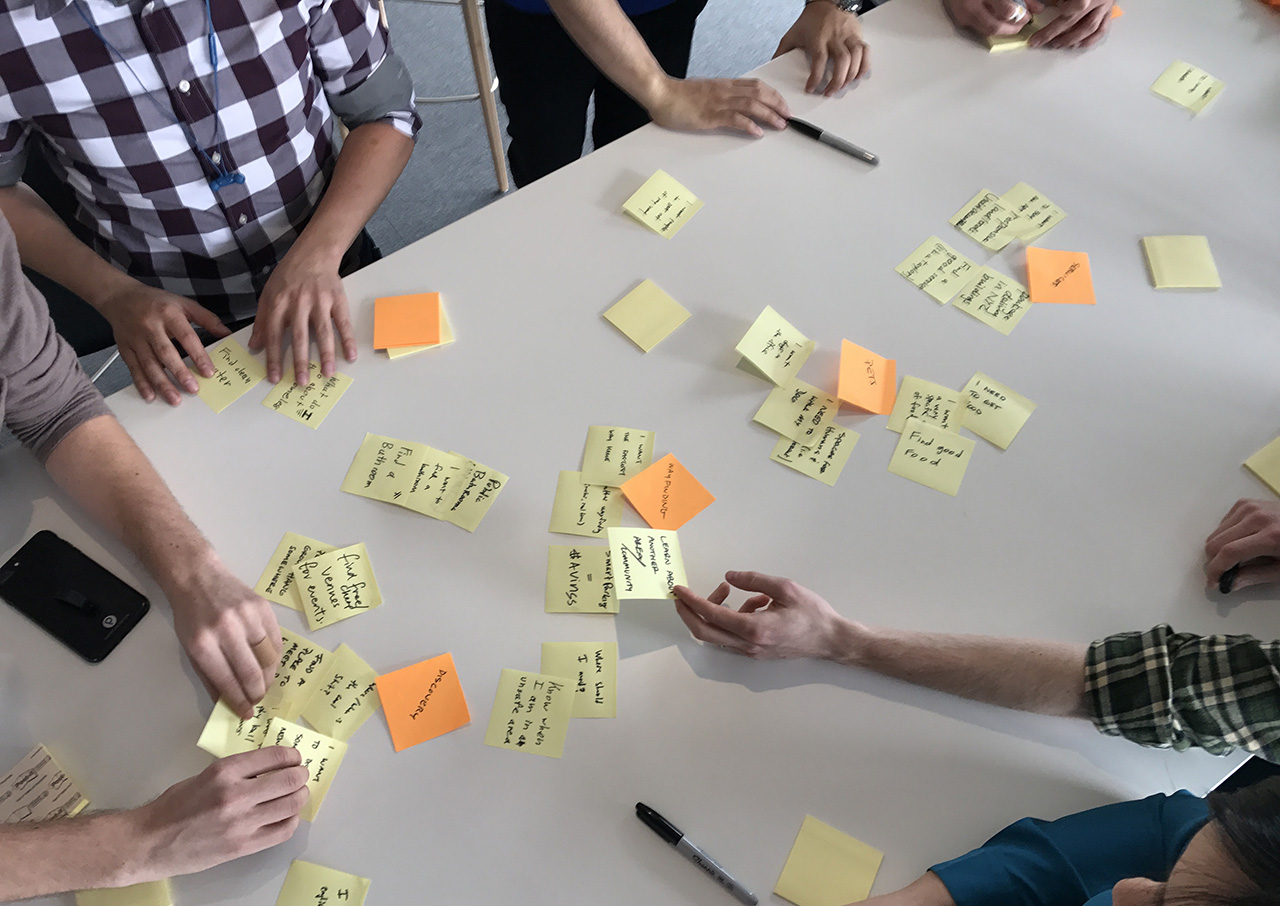
Conducted separate stakeholder reviews with customer success and product management to identify key pain points and areas for improvement.

Target Friction Points

Analyzed the internal tool’s usage patterns and identified different use cases with varying needs, resulting in a need to address multiple personas.

Implement User Feedback

Implemented feedback from stakeholder interviews to create pain-point-specific user stories and contextualize our UX prototype around real use cases.

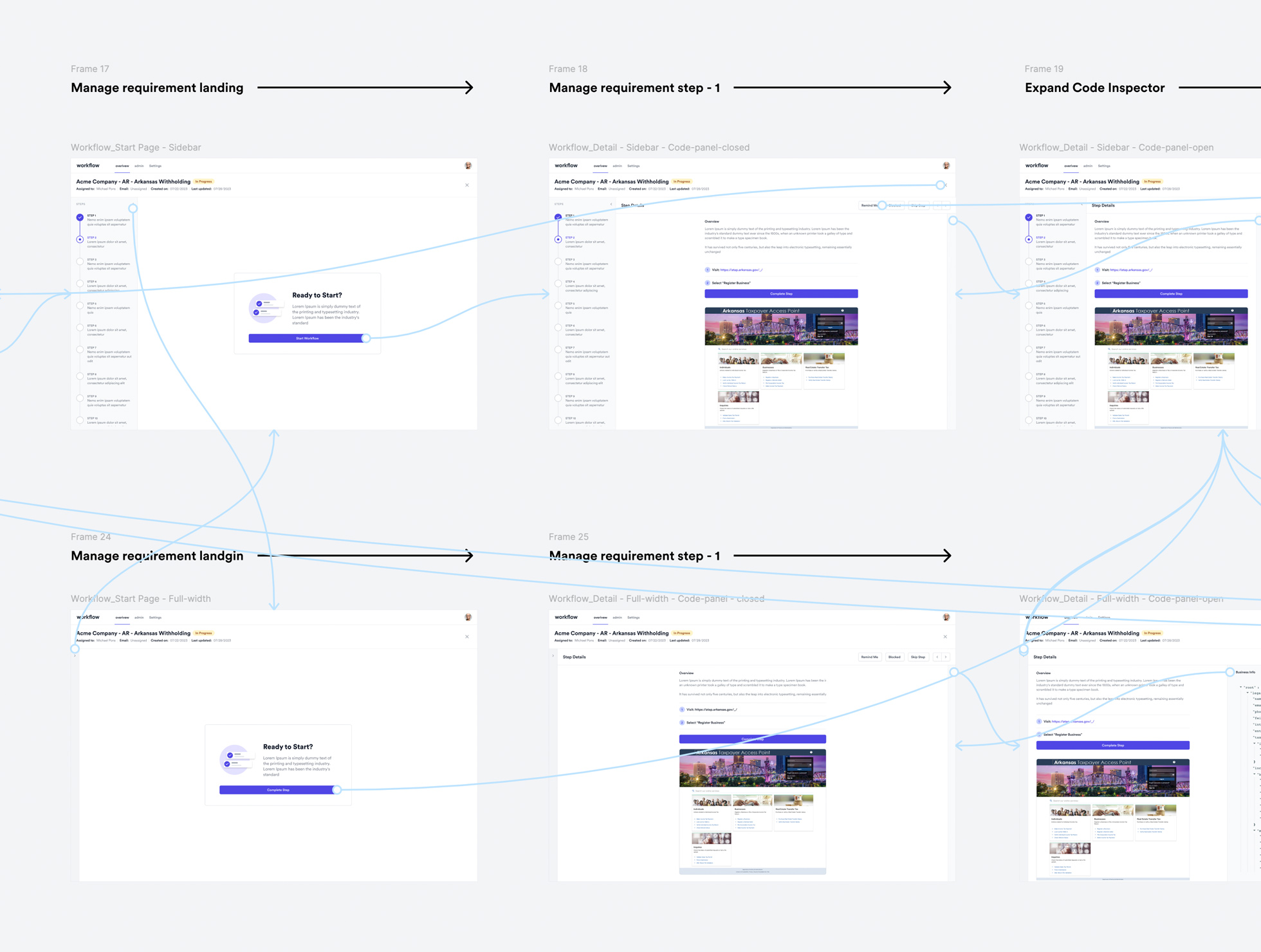
UX Prototyping

Developed low and high-fidelity clickable prototypes to validate the user stories, by leveraging Tailwind CSS UI components and the Figma librar

Prioritize MVP Features
Created a roadmap outlining future features and priorities, ensuring alignment with business objectives and stakeholder feedback.
Delivered iteratively

Completed a 4-week sprint to deliver the first feature which was released after 5 weeks.

OUR SOLUTION

From pain points to headache-free workflows in 4 short weeks.

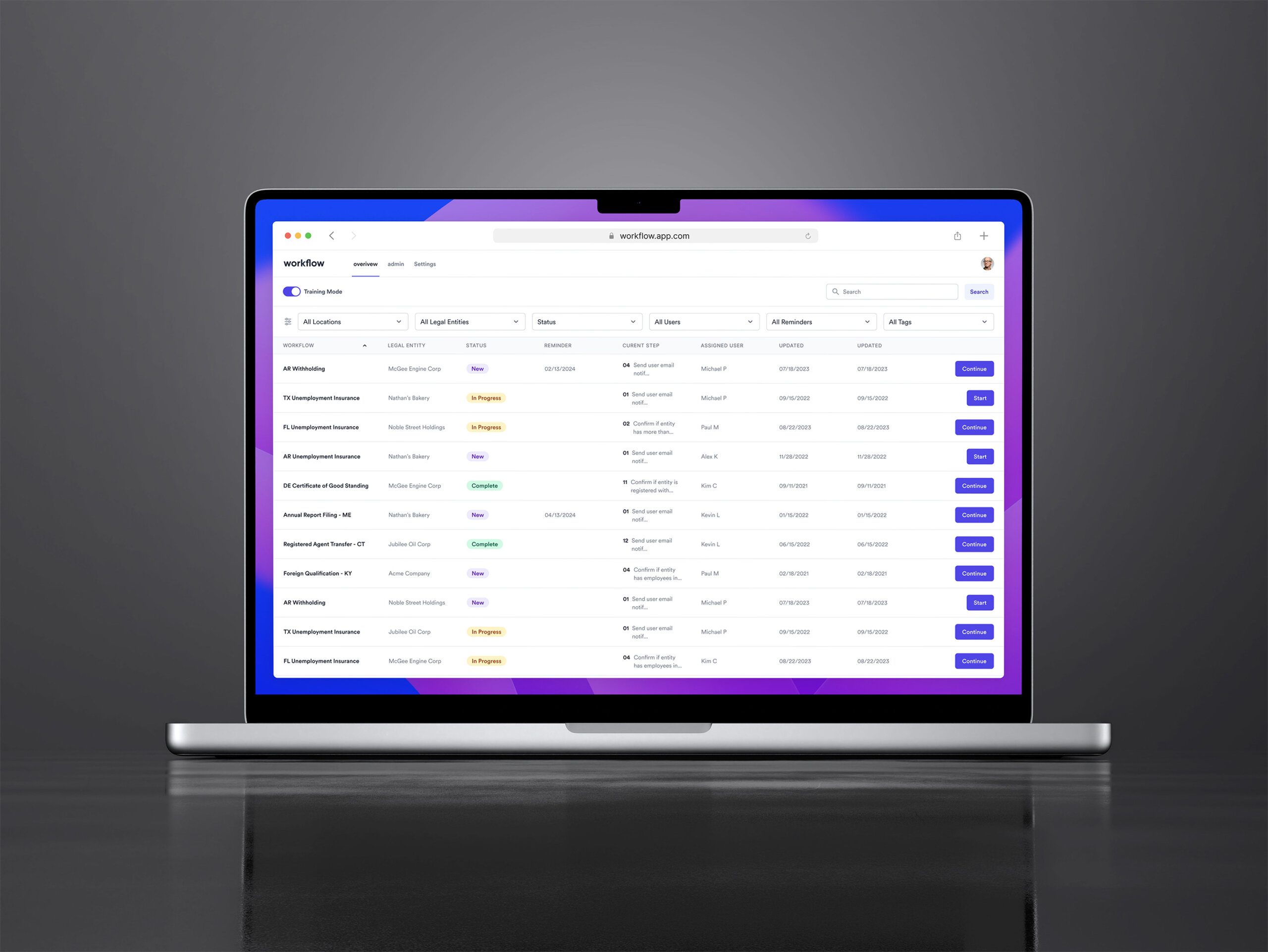
We delivered an MVP platform that helped Mosey go from tangled workflows to a streamlined automation experience, in just 4 weeks.

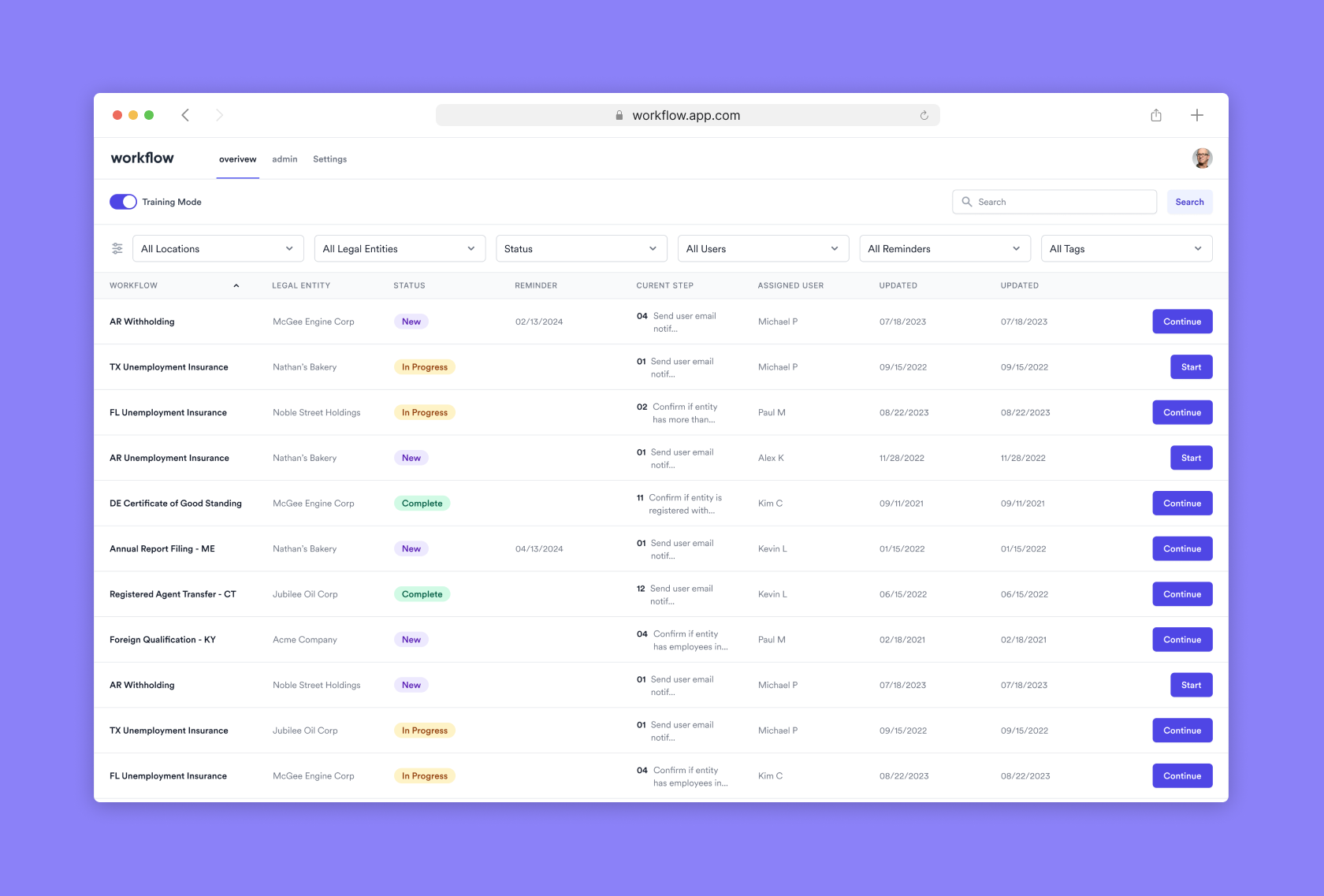
Advanced Filtering
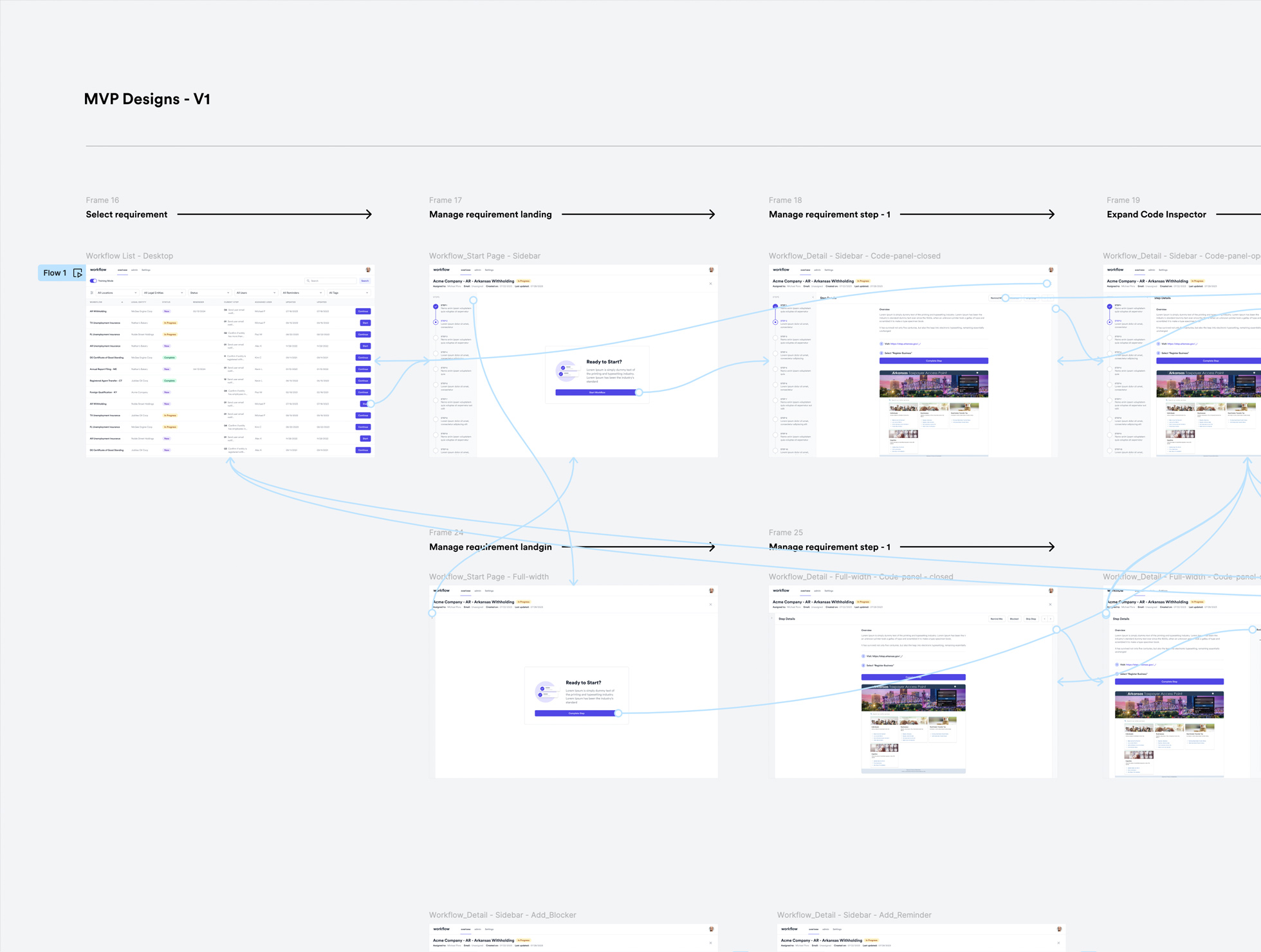
Users can filter requirements by the entity, stage, or other criteria for easier navigation.

Contextual Information
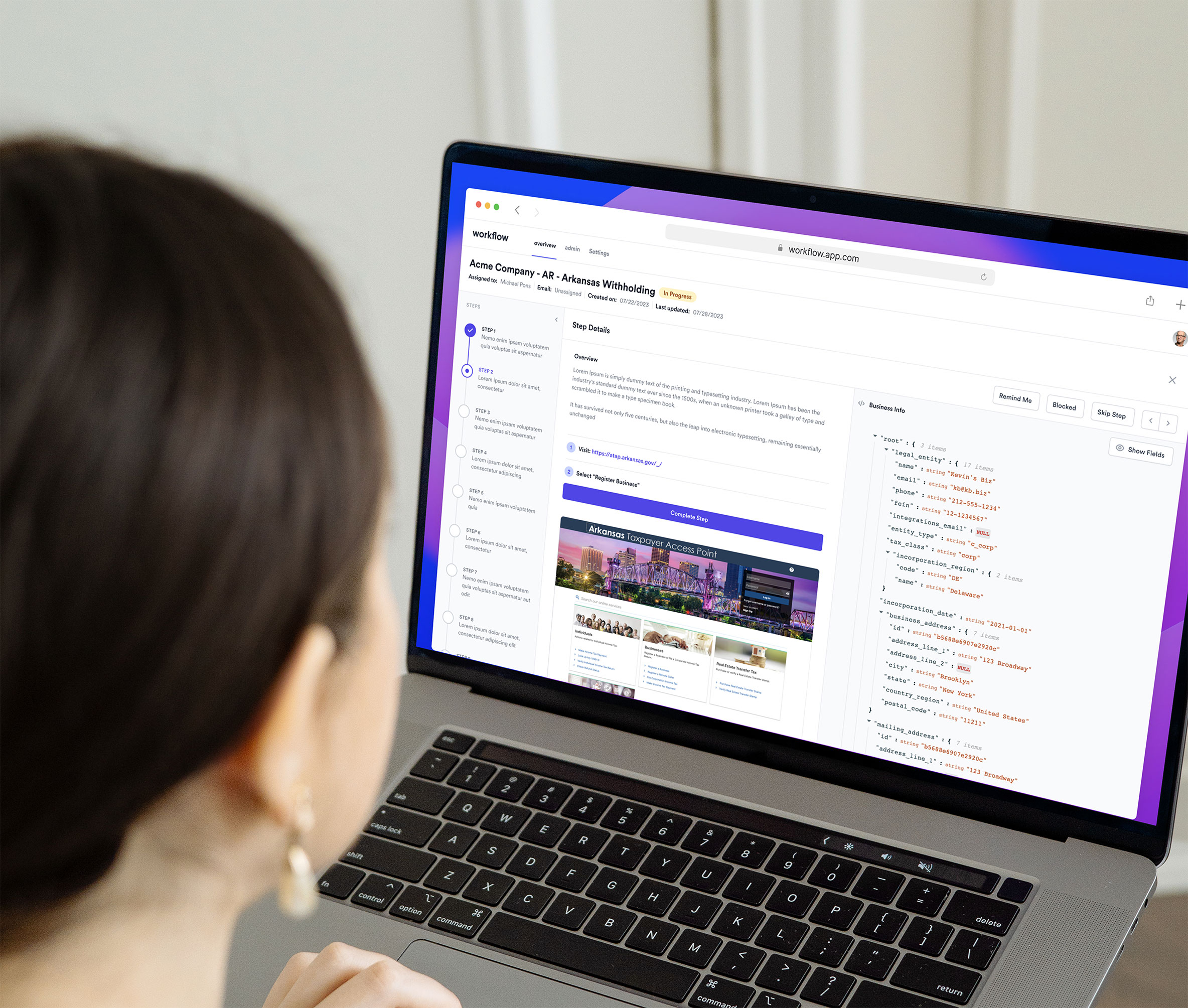
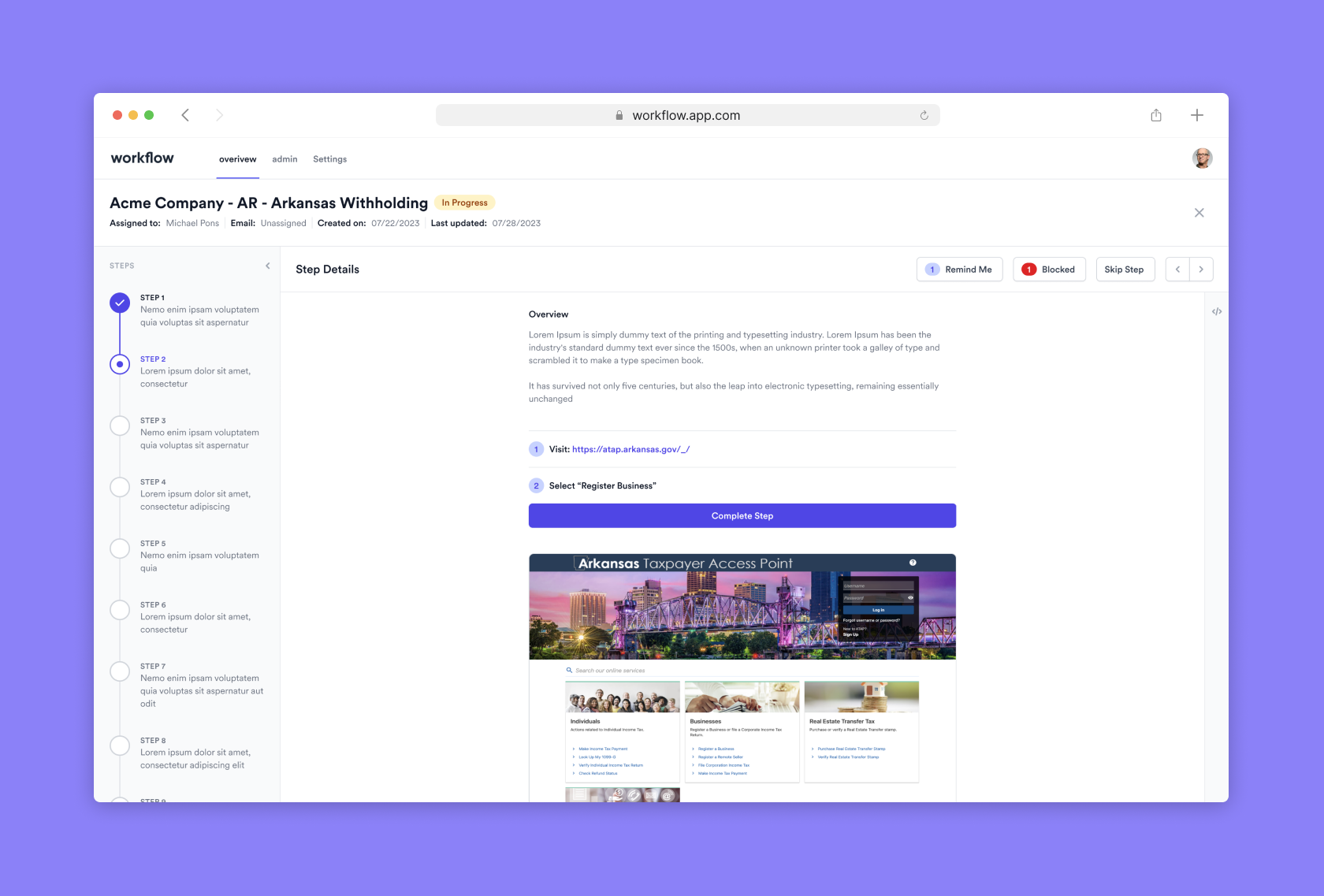
Each requirement displays details about its current step, process, and completion status.

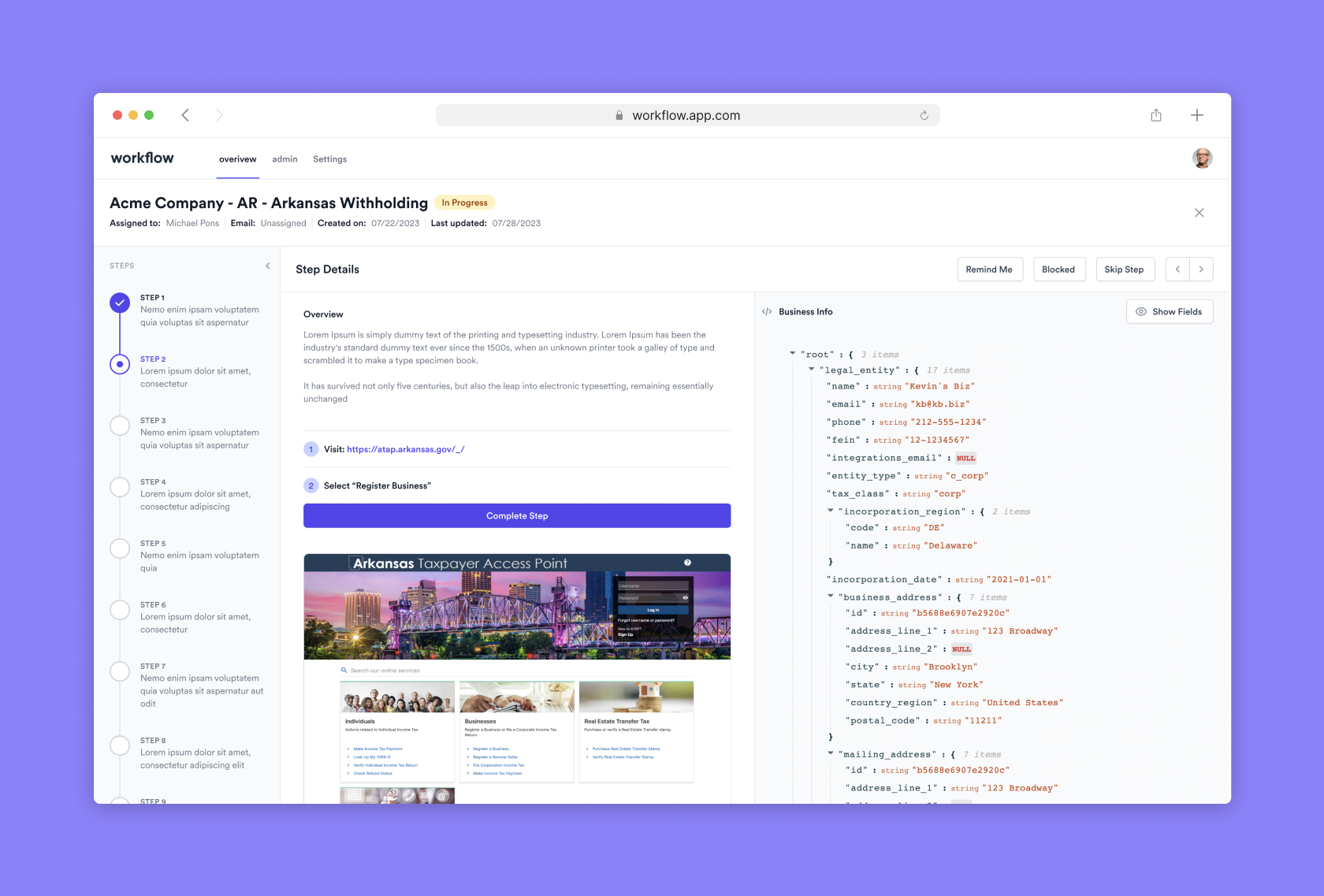
Step-by-Step Interface
The interface guides users through each stage of the requirement, with the current step always visible.

Rich Content Editing
Users can edit requirement details using various formats like text, images, and links.

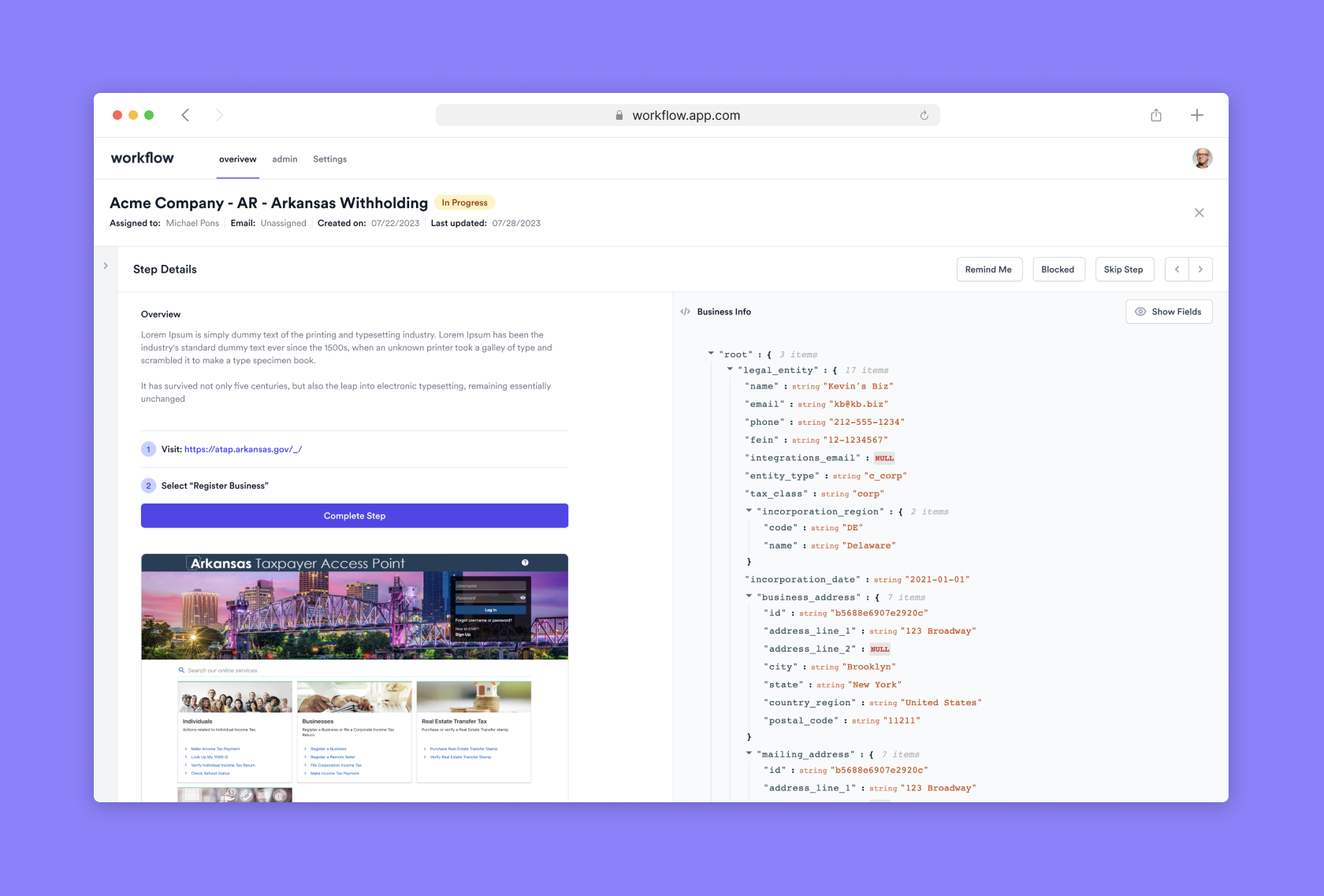
Multi-Panel Design
The interface allows simultaneous access to requirement details, code inspections, and reminders for efficient multitasking.

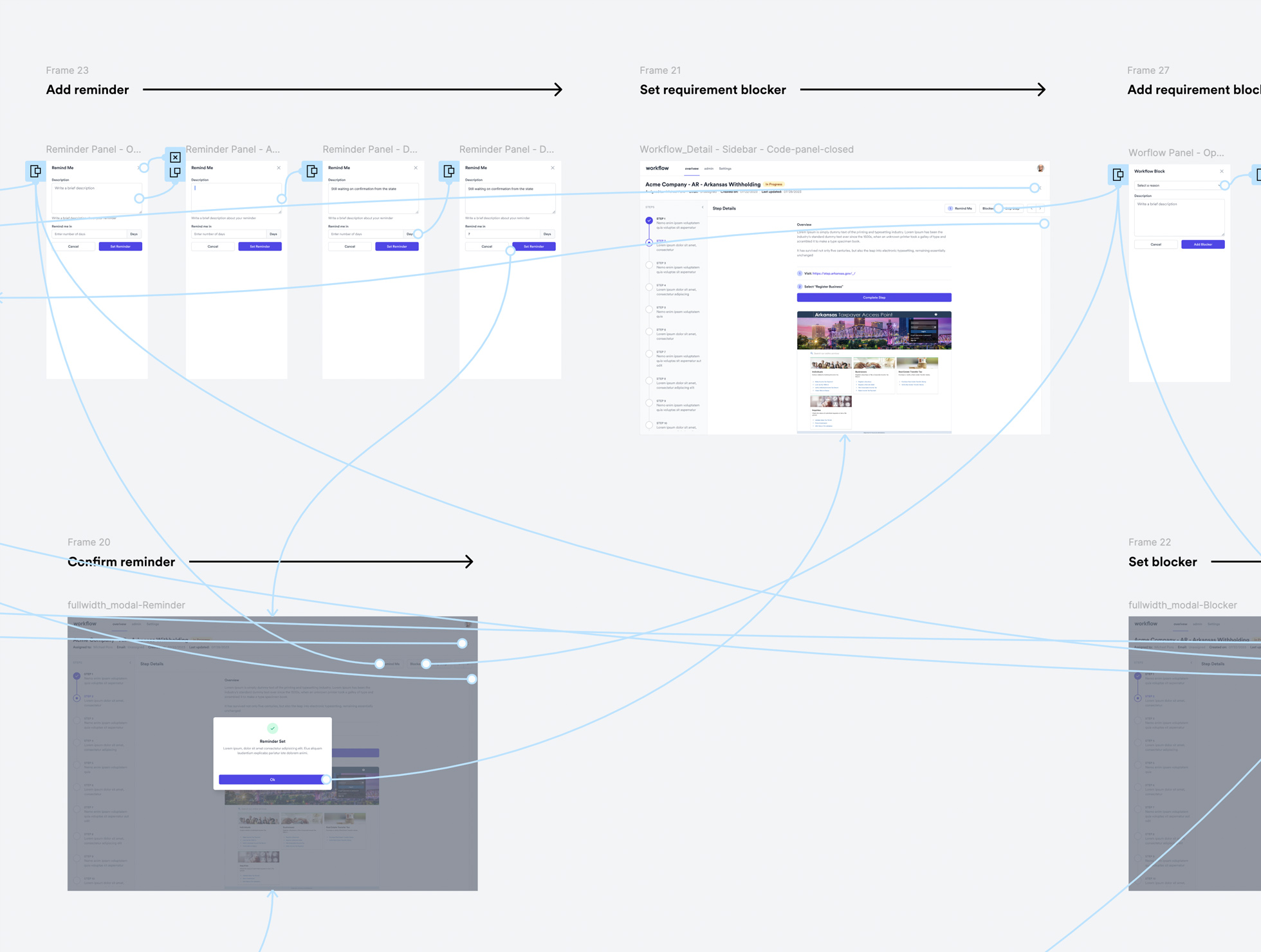
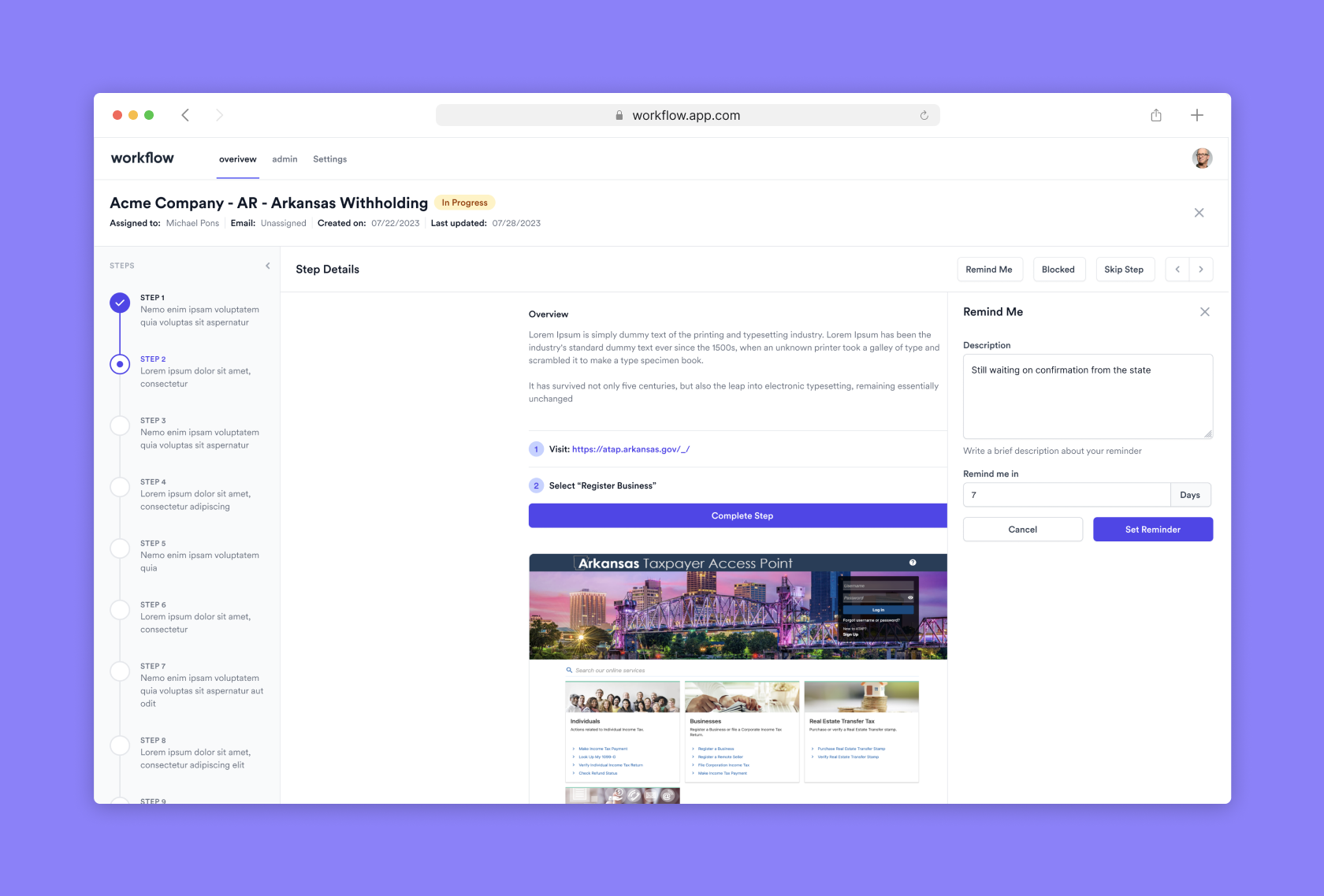
Integrated Reminders
Users can set email reminders for specific requirements with customizable timeframes.

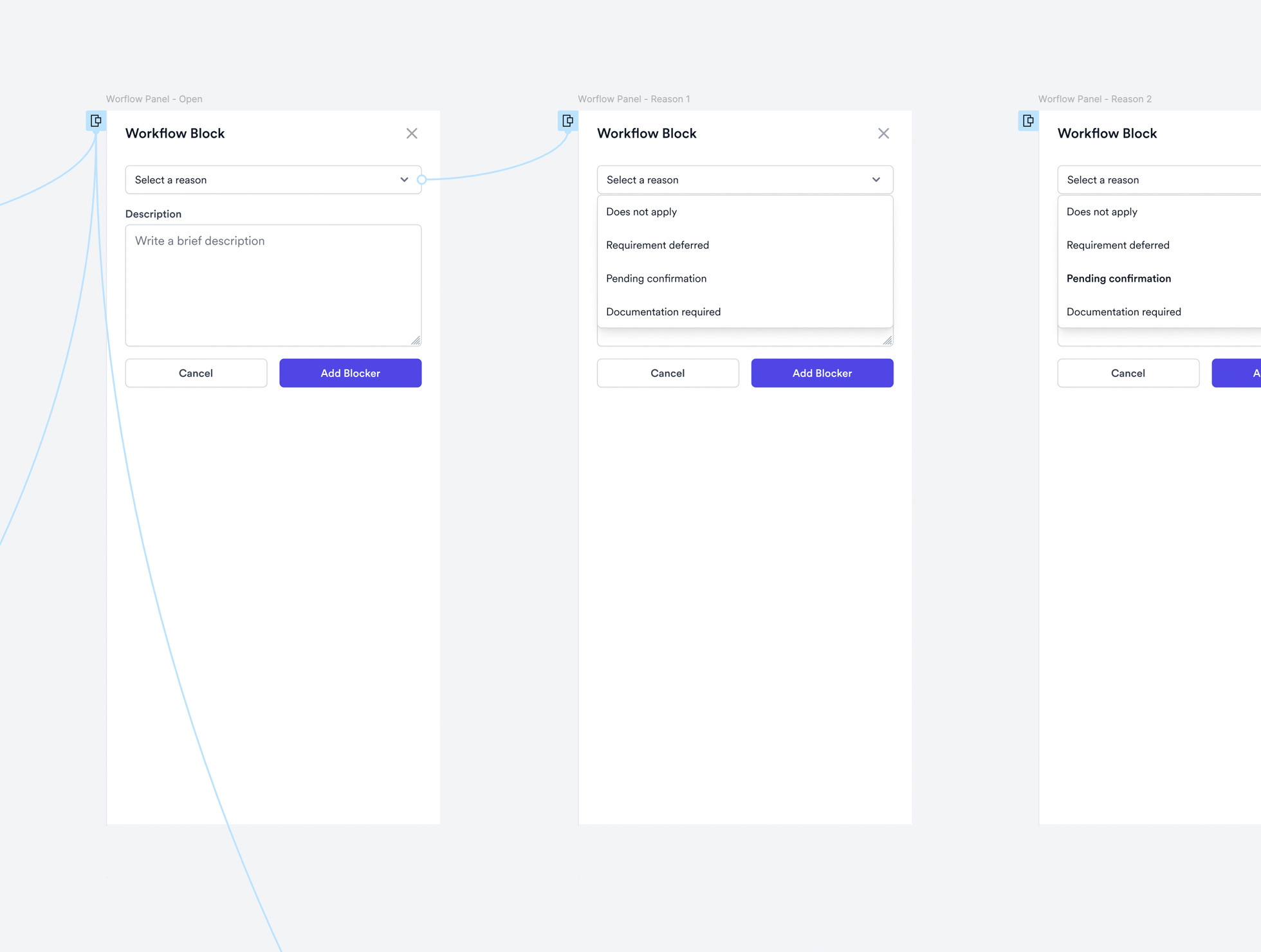
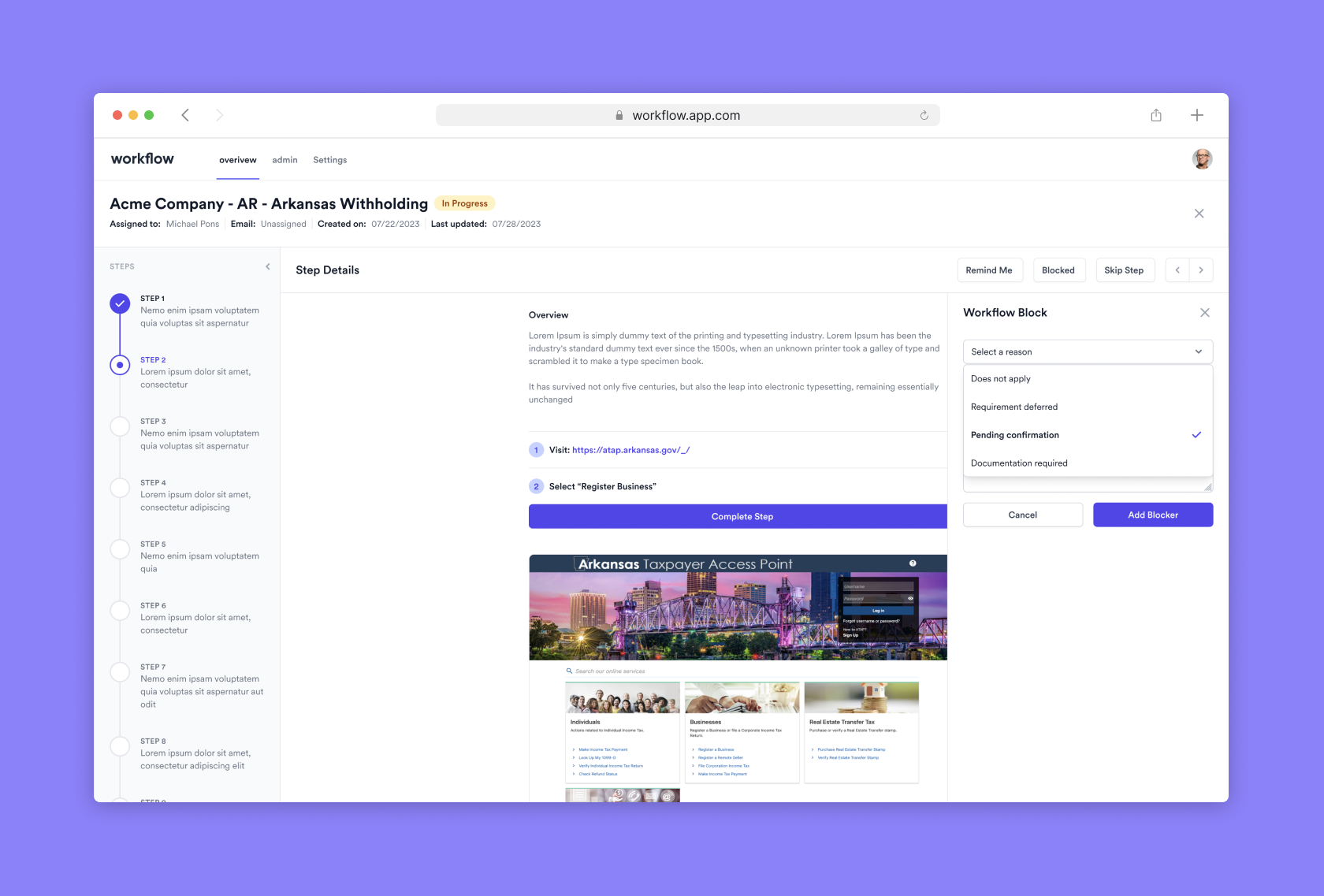
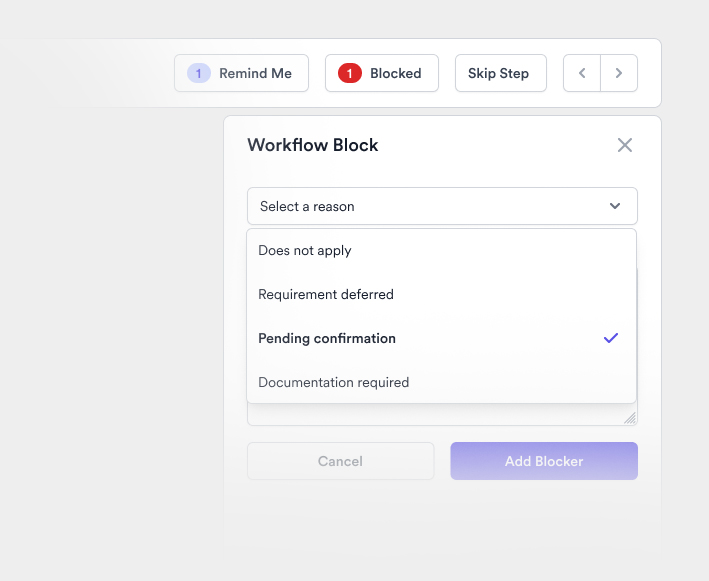
Step Blocking
Users can block specific steps in the workflow with justifications and reminders.

Dynamic Status Updates
The requirement status automatically updates based on user actions.

Need to rethink your startup's internal tooling in a few weeks?
Lets talk!

Discovery
  • Stakeholder Interviews
  • User Story Writting
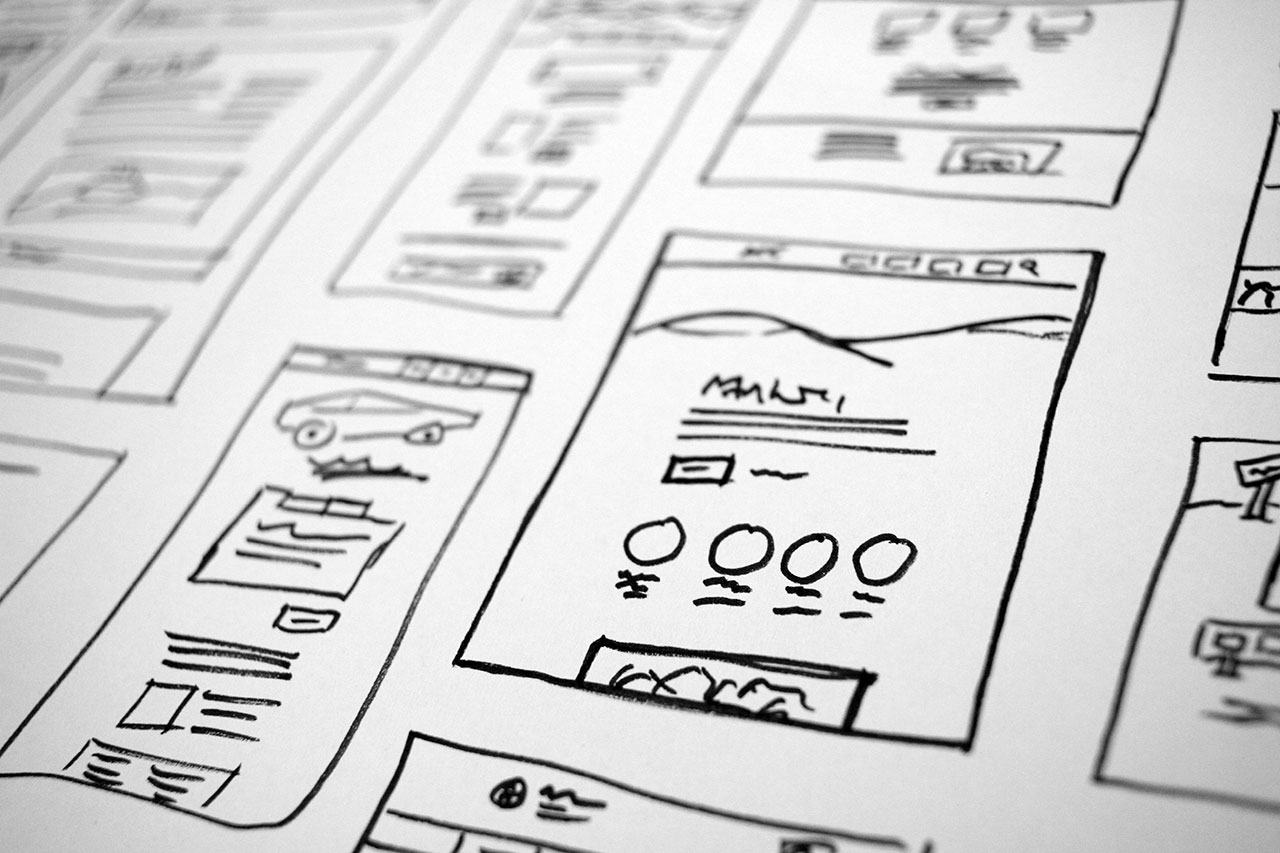
  • Concept Sketching
Product Design
  • High Fidelity UI Designs
  • Design System Creation
  • UX Prototyping
UX Design
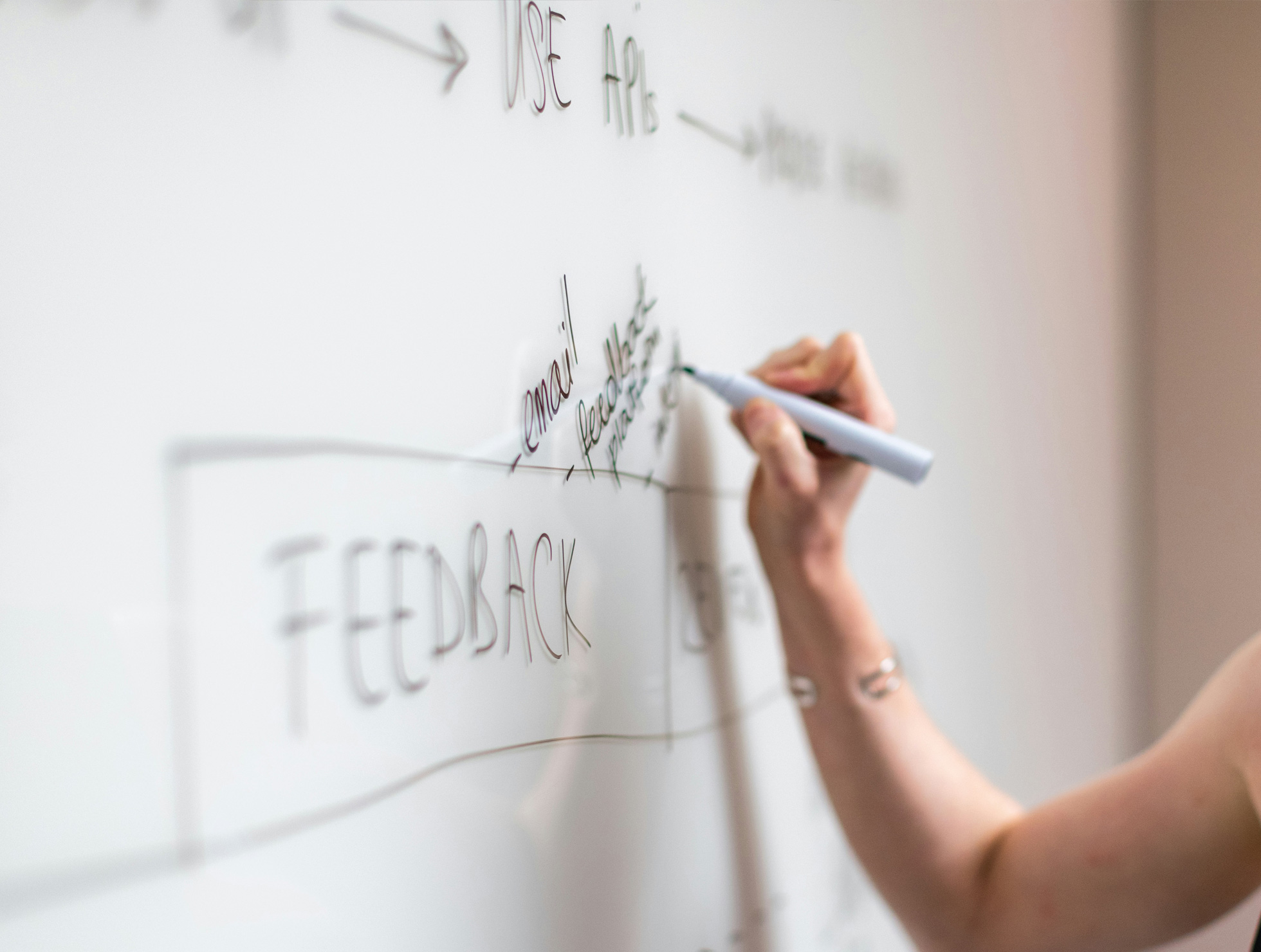
  • UX Mind Maps
  • User Journey Maps
  • User Flows.
User Testing
  • Test Plan Writing
  • Test Insight Distilling